
Free Grid Method Tool for Drawing from Reference Photos
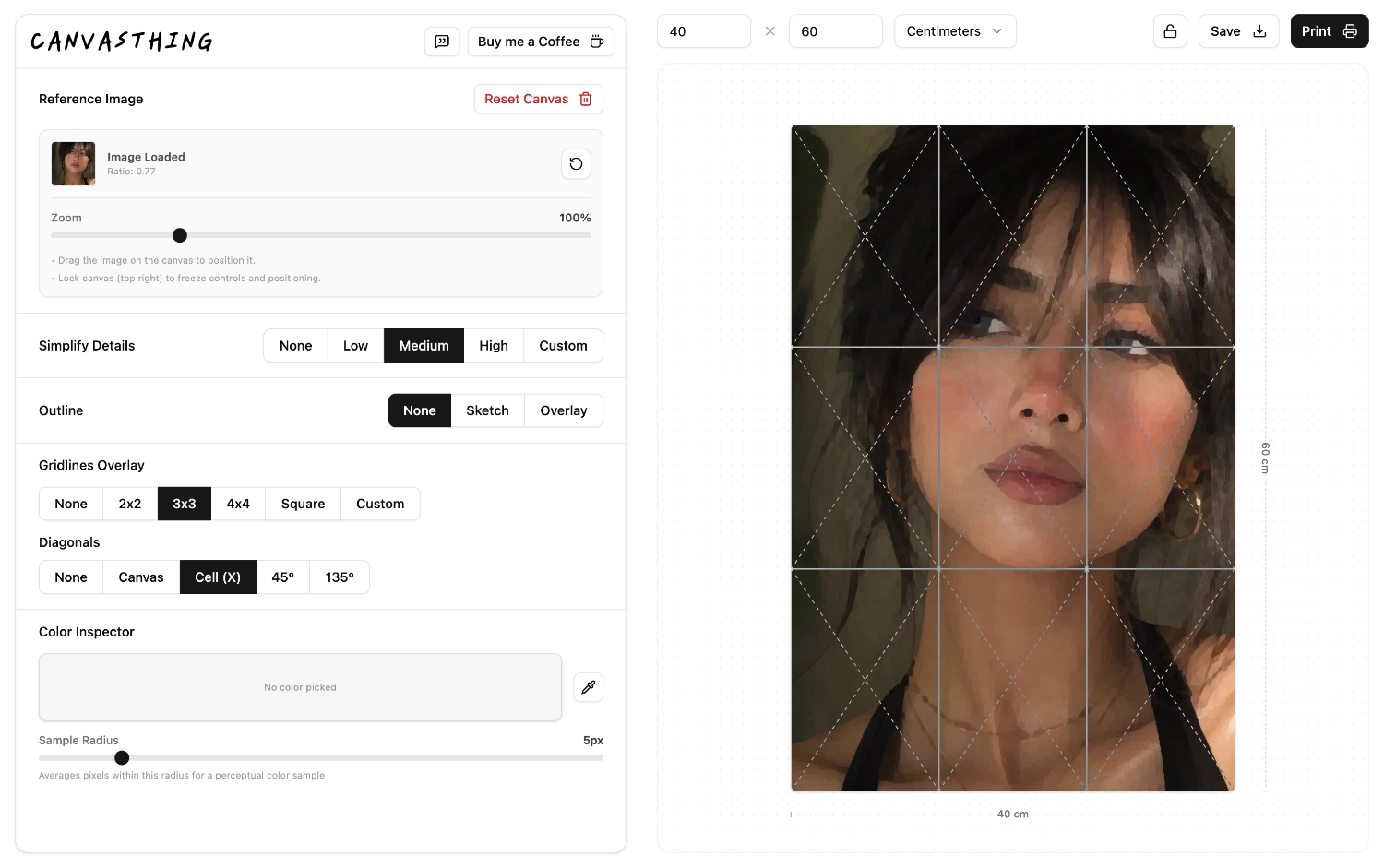
Every drawing grid you'd need, from simple splits to dense layouts, or fully custom setups. Add diagonal lines across the canvas or inside each cell, at 45° or 135°, and trace any reference photo onto your canvas with precision. No accounts, no ads, completely free.
Any Grid Density
From a simple 2x2 split to dense custom layouts for detail-heavy references, every grid renders live over your photo.
Diagonal Guides
Add diagonals across the whole canvas or inside each cell, at 45° or 135°, to check angles and symmetry as you draw.
Scaled to Your Canvas
Enter your real canvas dimensions first, and every square stays a measurable distance on your physical surface.
Why Artists Use the Grid Method
The grid method has been used by artists for centuries to keep proportions accurate, long before software existed. Breaking a reference photo into small squares turns one overwhelming image into a series of small, manageable comparisons, one square at a time. It's especially useful for portraits, architecture, and any reference with dense detail that's hard to eyeball freehand.
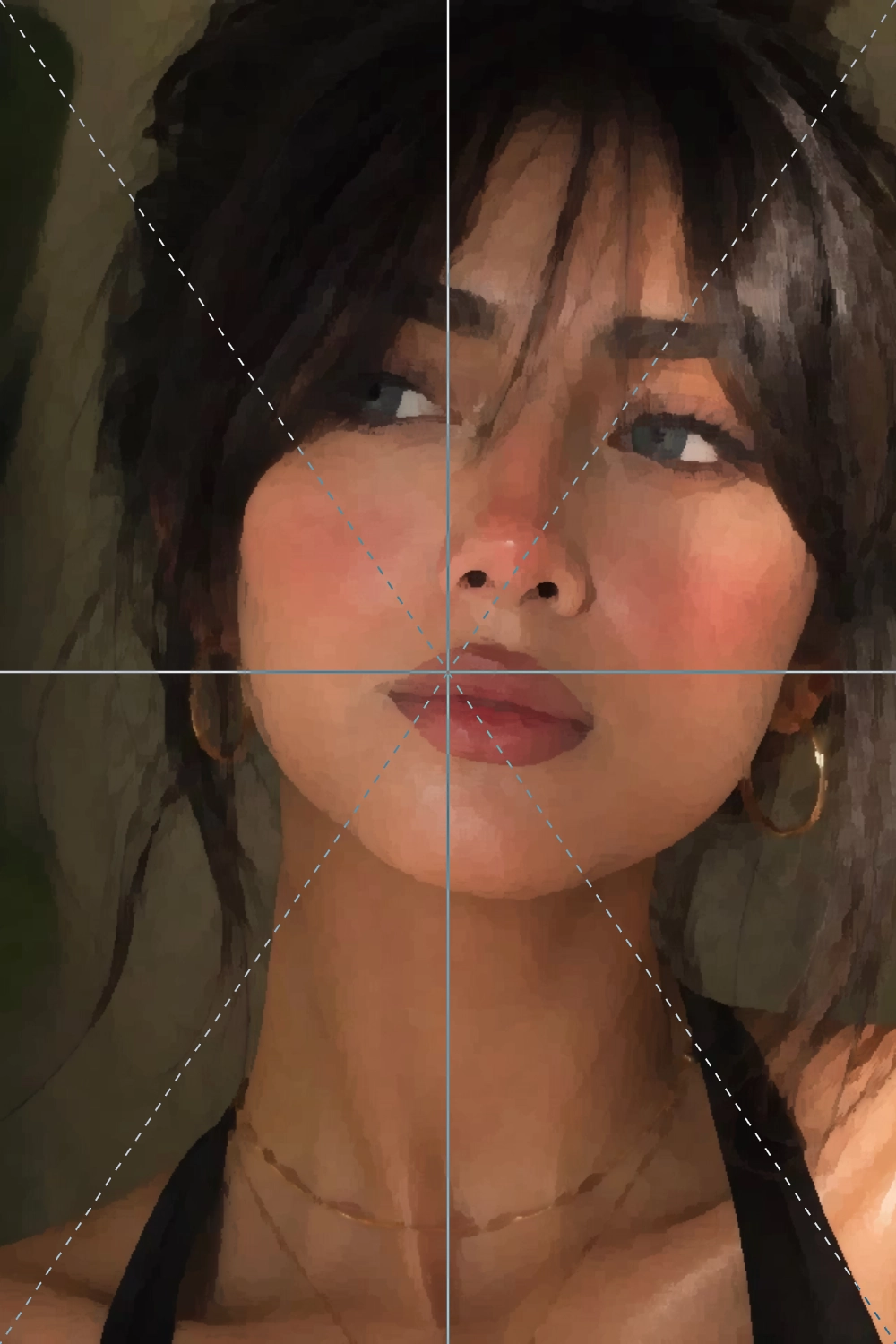
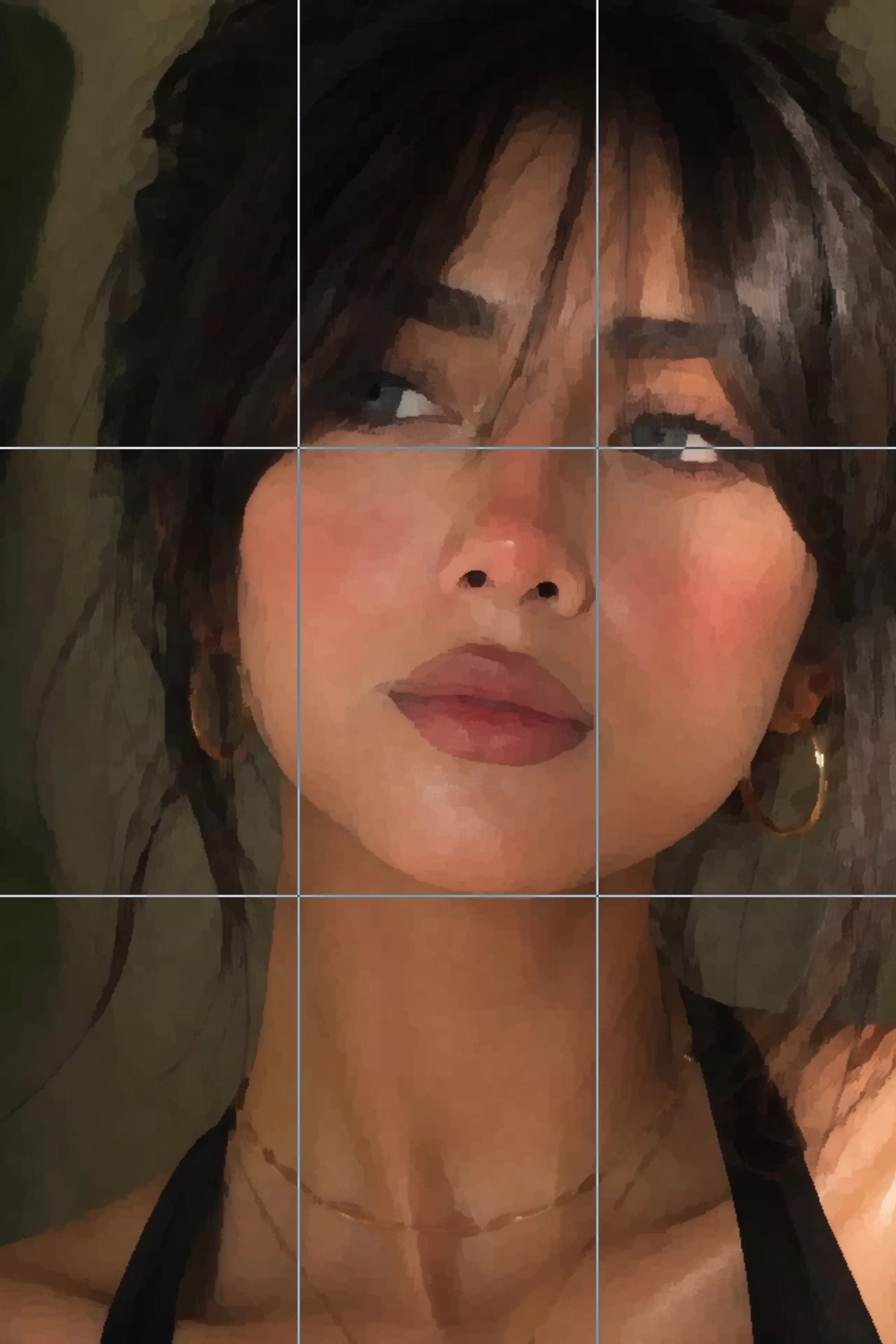
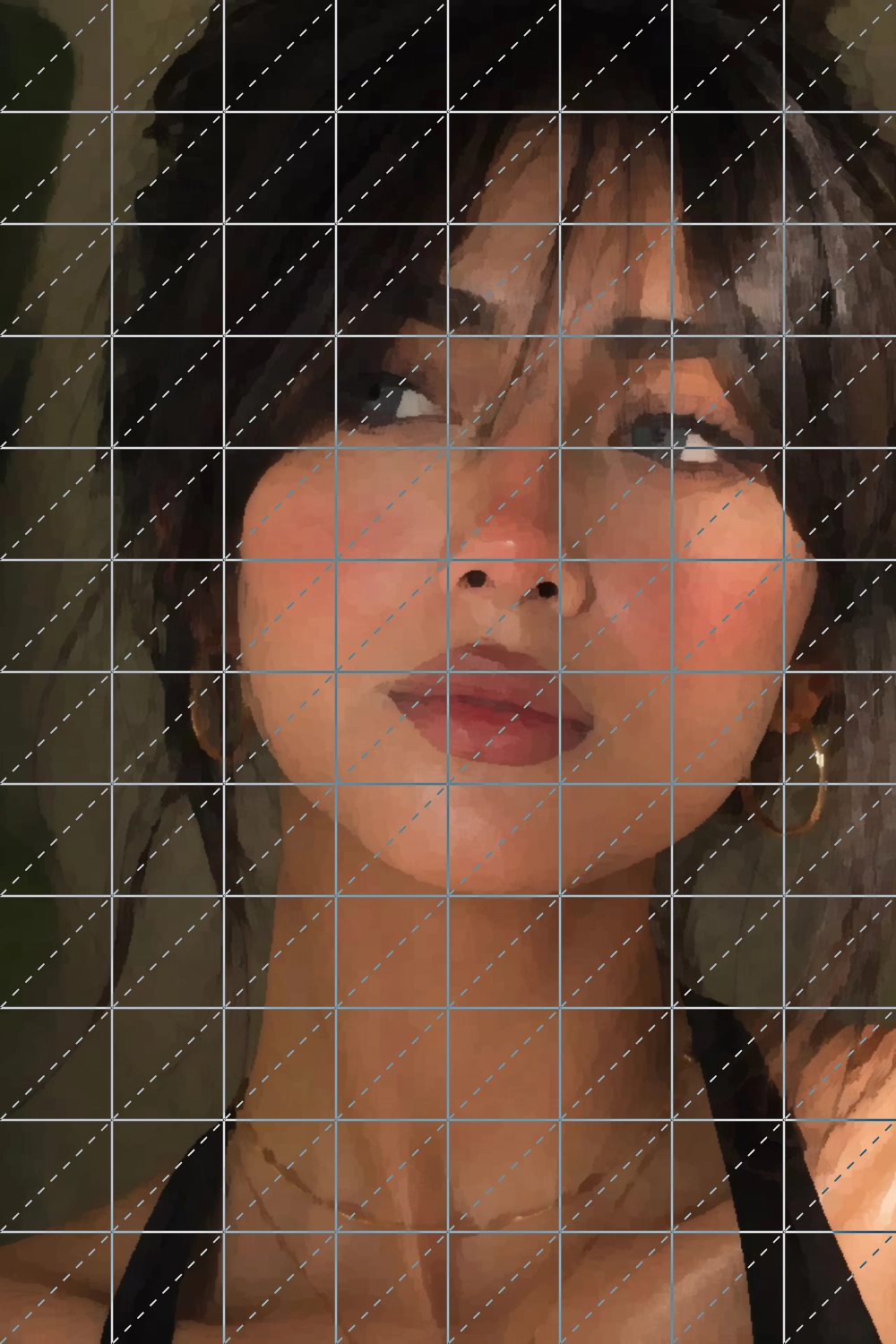
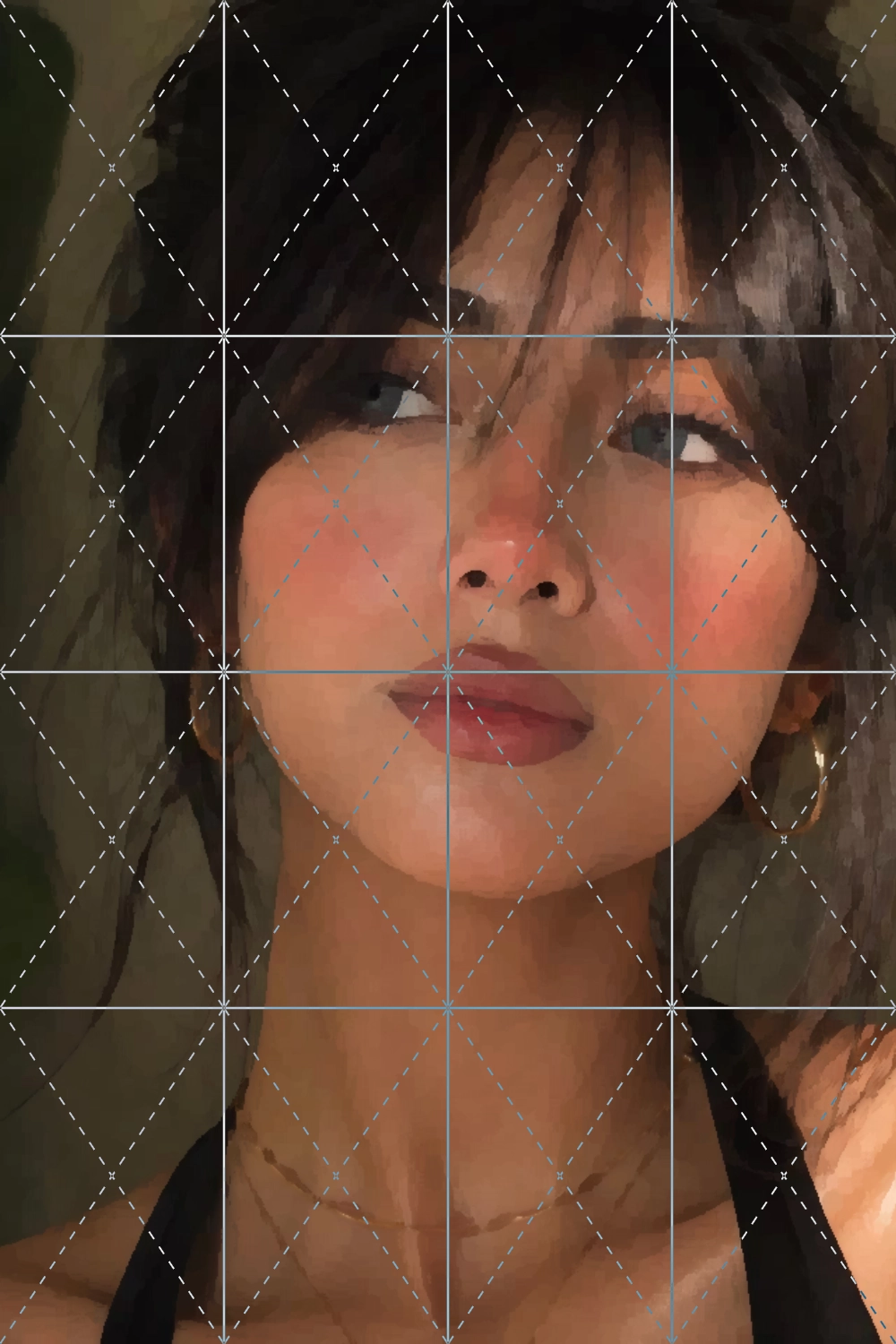
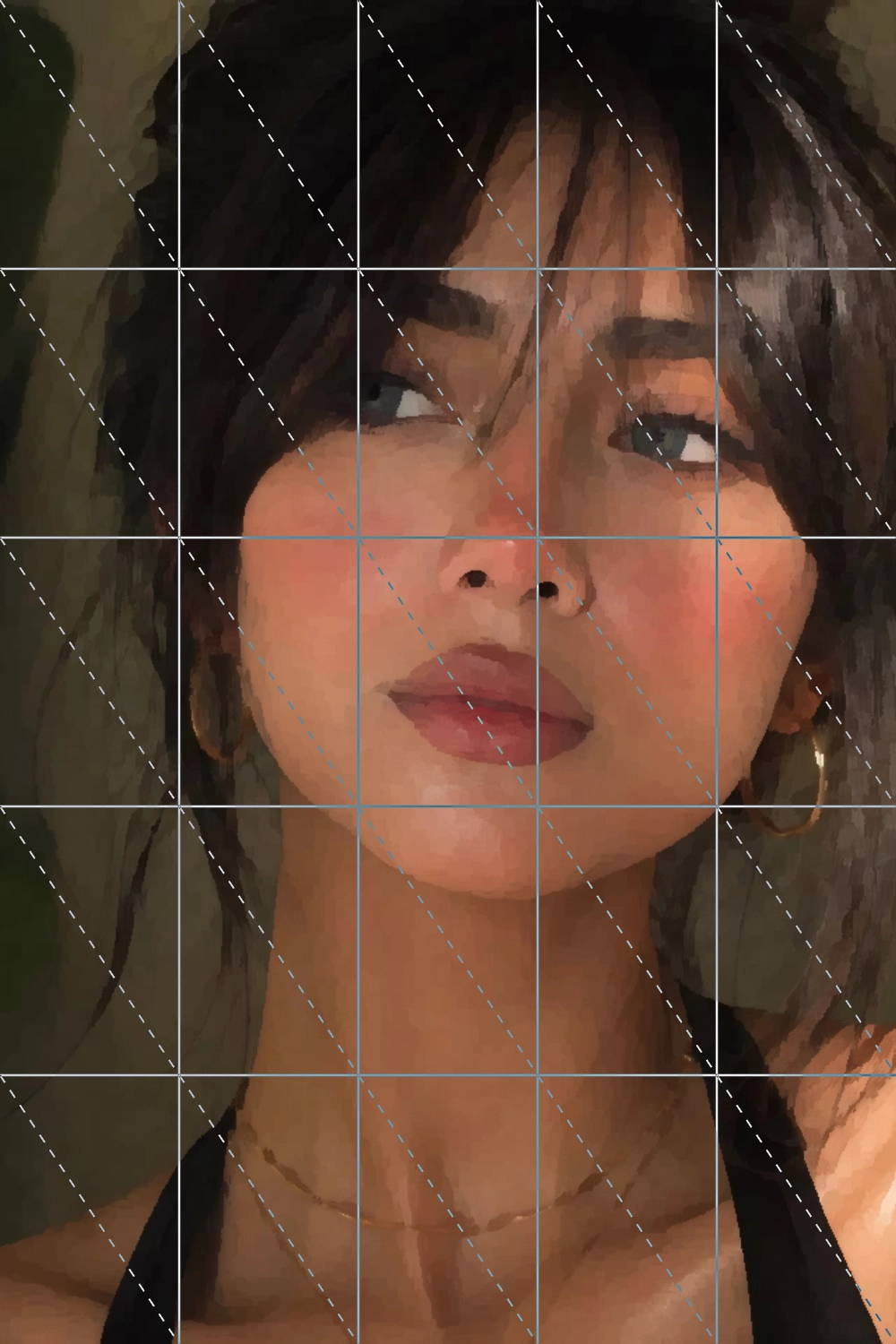
- Keeps proportions accurate on complex portraits and faces.
- Makes straight architectural or product lines easier to place.
- Works on any physical medium: canvas, wood panel, or paper.
- No freehand guessing on where a shape starts or ends.
Pair the Grid with a Sketch Outline
The grid method tells you where to draw. A sketch outline tells you what to draw. Used together, generate a clean line-art outline from your reference photo, lay a grid over it, and transfer each shape onto your canvas square by square, without losing proportions along the way.
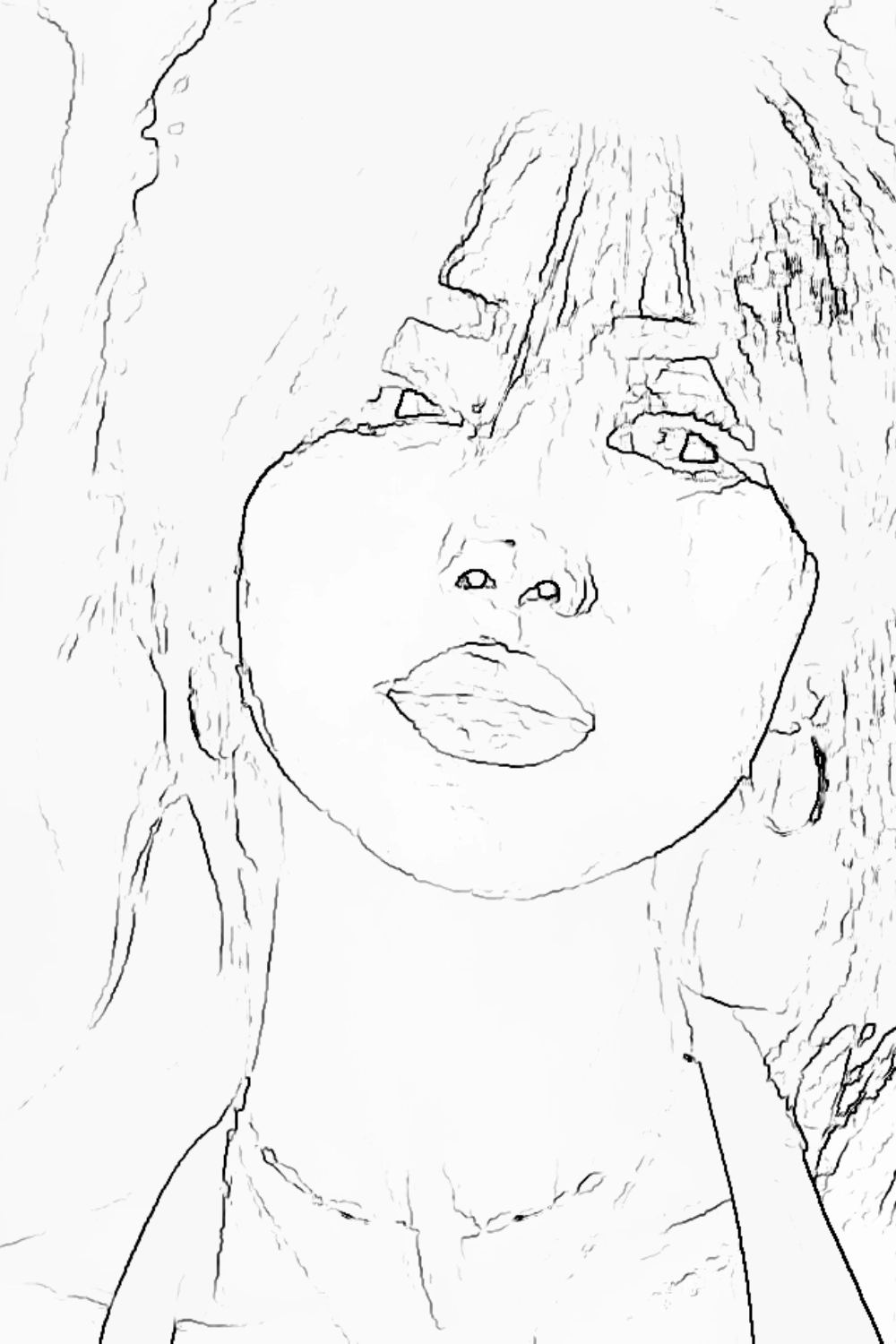
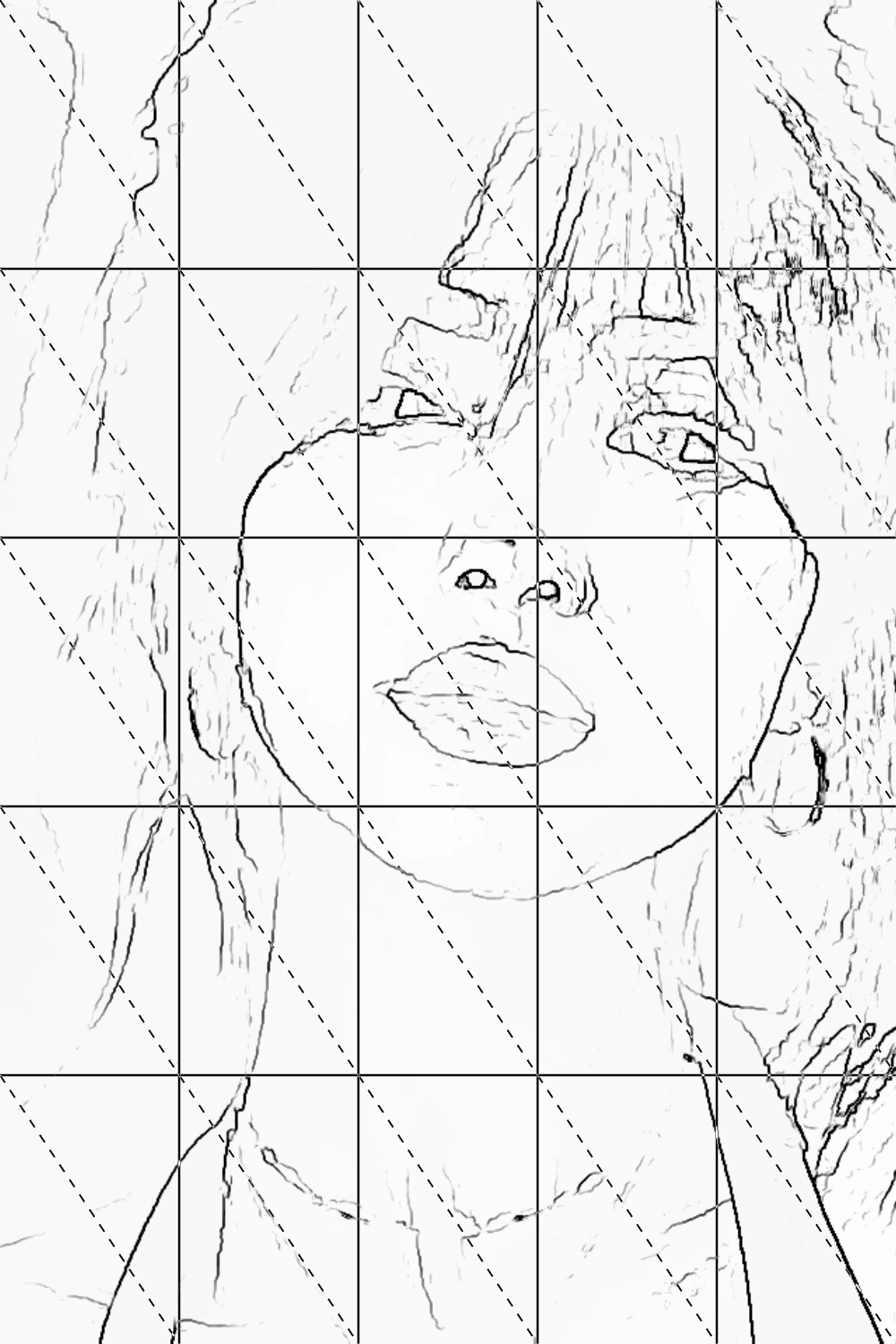
Sketch Outlines
Turn your reference photo into a clean pencil-style outline with a live preview, ready to combine with any grid layout.
Grid Overlay
Add a grid on top of any outline or photo, scaled to your real canvas dimensions, to keep every traced shape in proportion.
More Reference Photo Tools
The grid is just the starting point. Canvasthing also simplifies reference photos into clean color blocks for painting, generates sketch outlines you can trace onto your canvas, and lets you sample exact colors from your reference for easier color matching.
Simplify Details
Reduce a busy reference photo into clean, simplified color blocks before you start blocking in paint on your canvas.
Outline Sketch
Generate a clean, pencil-style line art outline from any reference photo, ready to trace and pair with a grid.
Inspect Colors
Pick any point on your reference photo to sample, enlarge, and study that color so you can match it by eye.
Frequently Asked Questions
The grid method is a technique where you divide a reference photo and your canvas into matching squares, then copy one square at a time instead of trying to judge the whole image at once. It keeps proportions accurate, especially for portraits, architecture, or any reference with a lot of detail.