
Simplify Color and Details for Painting
Reduce a busy reference photo into clean color shapes while key edges stay sharp, from subtle guidance to bold abstraction. Plan your color blocks before a single brushstroke touches the canvas. No accounts, no ads, completely free.

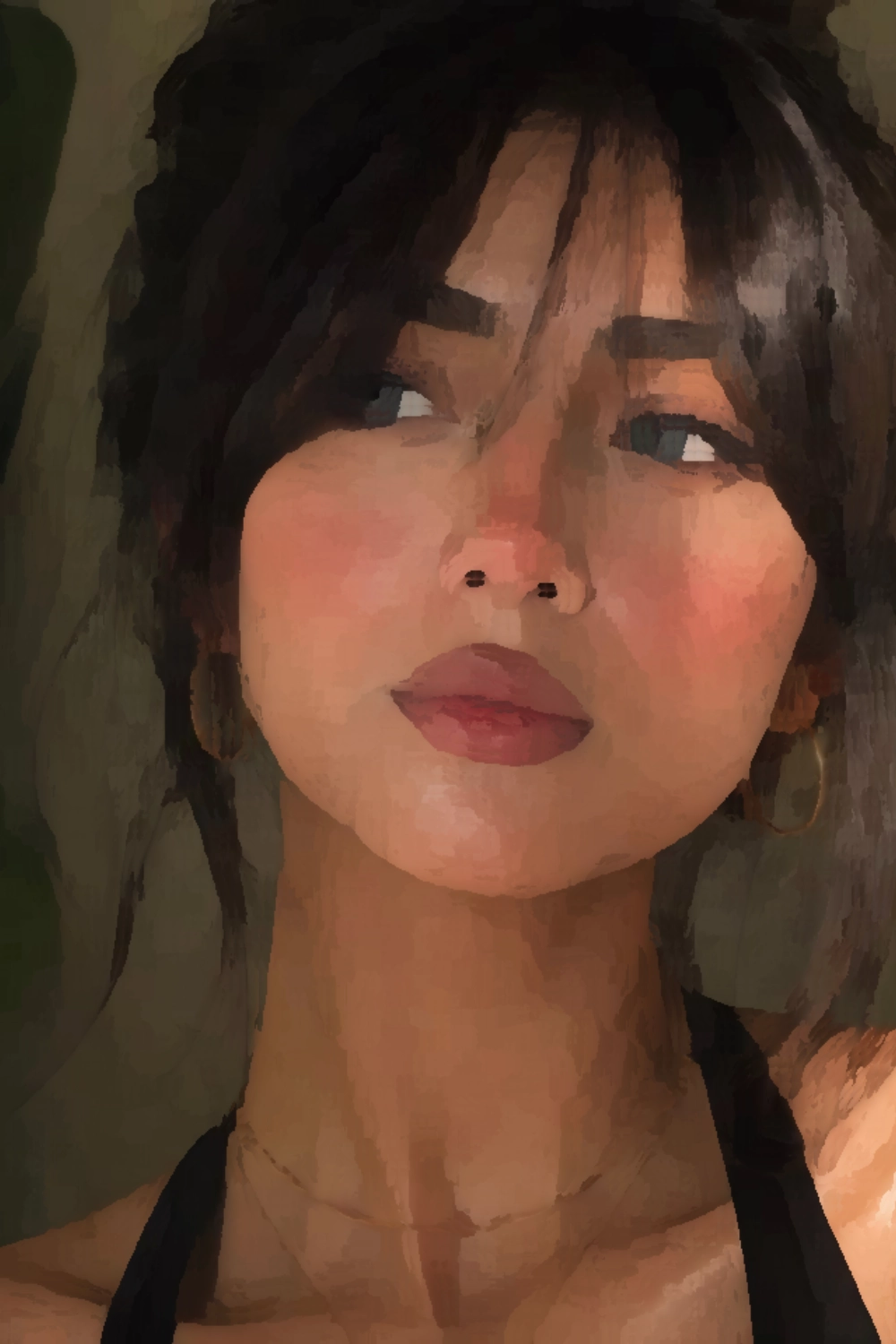
Edge-Aware Smoothing
Color is smoothed within regions, not across them, so the outlines that define your subject stay sharp without becoming a blur.
Low, Medium, High
Three ready-made levels take you from a light cleanup of noisy detail to a fully abstracted, graphic color map.
Custom Radius & Strength
Dial in the exact region size and smoothing strength yourself, for control the presets alone can't give you.
Fewer Shapes, Same Subject
A busy photo can be intimidating to start from, full of small color shifts that don't actually matter to the final painting. This tool groups nearby colors into broader regions and smooths within them, while leaving the strongest edges alone, so what's left reads like a painter's first block-in pass rather than a blurred photo.

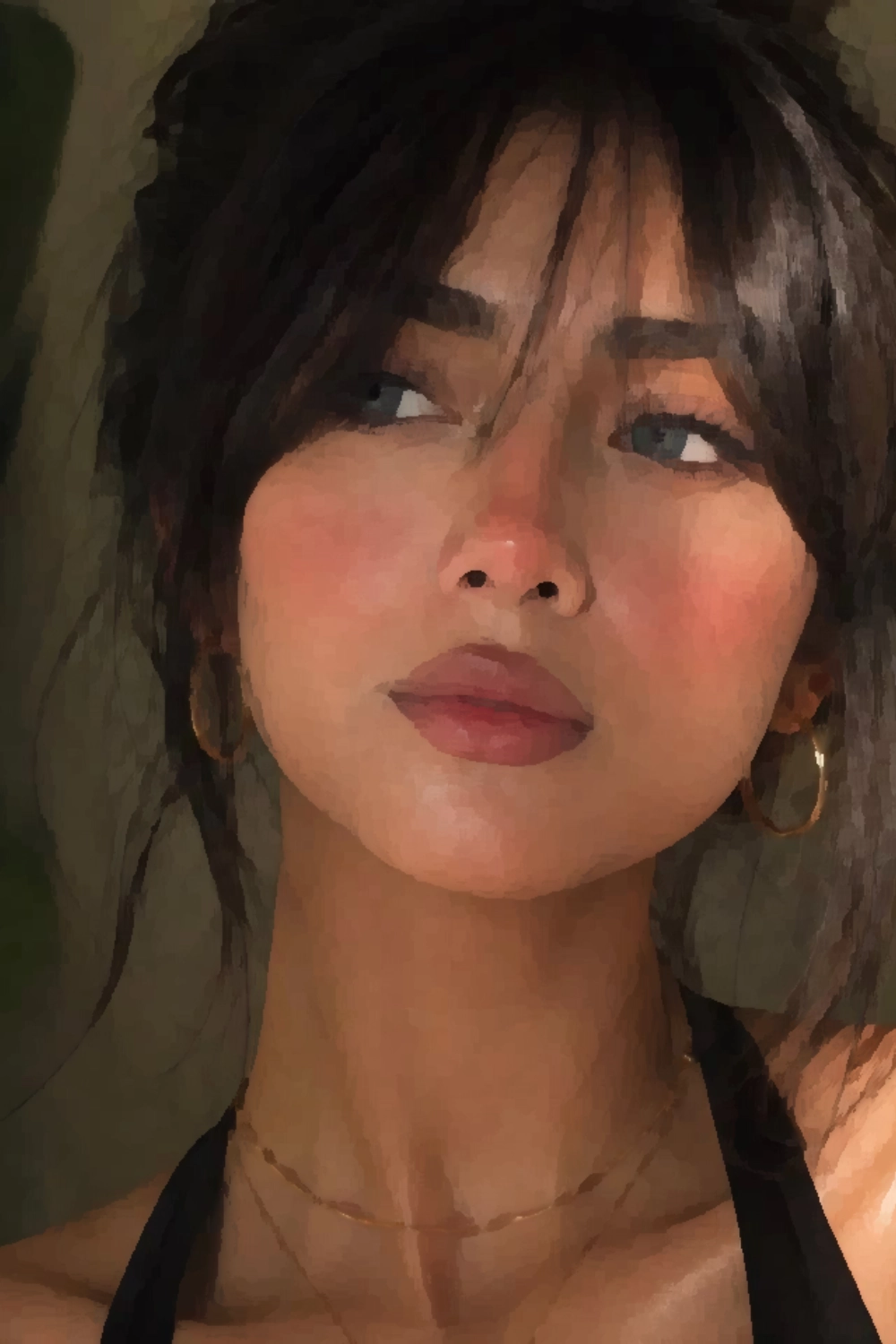
- Turns a cluttered photo into a manageable color map.
- Keeps the sharp edges that define your subject's shape.
- Helps plan values and color blocks before you paint.
- Runs entirely on math, live in your browser, no waiting.
Presets for Speed, Custom for Control
Low, Medium, and High cover most references without any fiddling. When a photo needs something in between, or something more extreme, switch to Custom and adjust two independent controls until the result matches what you have in mind.
Radius
Sets how large an area is considered when grouping colors together. A smaller radius keeps more localized detail, a larger one merges the photo into fewer, broader shapes.
Strength
Sets how aggressively color is smoothed once regions are defined. Push it further for bold, poster-like abstraction, or keep it light for a subtle cleanup.
More Reference Photo Tools
Simplification is one piece of preparing a reference photo. Canvasthing also scales a drawing grid to your real canvas size, generates a clean sketch outline to trace from, and lets you sample exact colors for easier paint matching.
Grid Method
Overlay a scaled drawing grid on your reference photo to keep proportions accurate as you transfer it to canvas.
Outline Sketch
Generate a clean, pencil-style line art outline from any reference photo, ready to trace and pair with simplified color.
Inspect Colors
Pick any point on your reference photo to sample, enlarge, and study that color so you can match it by eye.
Kuwahara Filter
Learn how the Kuwahara-style filter simplifies reference photos into painterly color regions.
Frequently Asked Questions
It reduces a busy reference photo down into clean, simplified color regions, similar to how a painter blocks in the big shapes before adding detail. Instead of blurring the whole image, it smooths color within regions while keeping the strongest edges intact, so the simplified version still reads clearly as the same subject.