
Canvas Size Planner from Photo
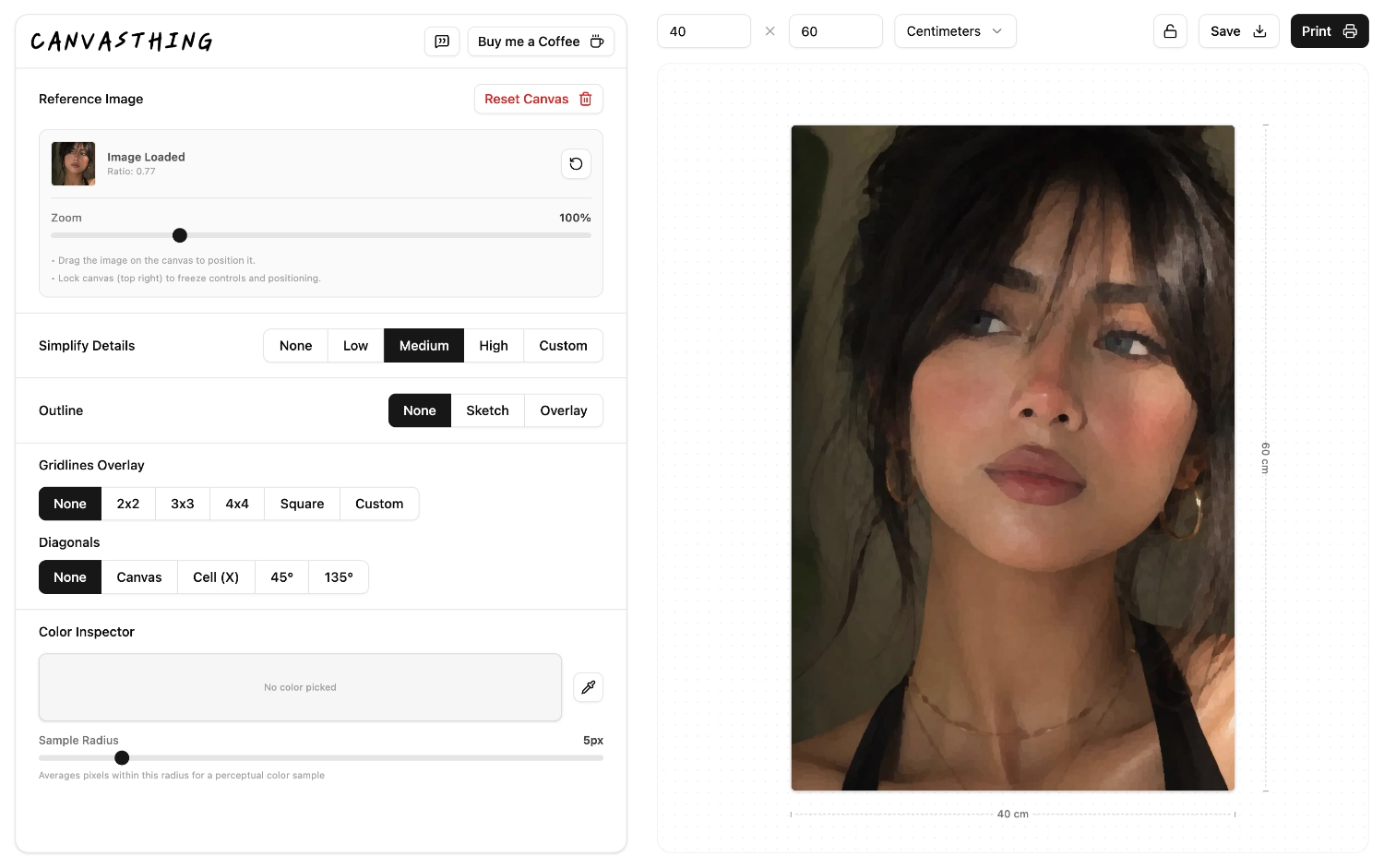
Set your canvas size, upload a reference photo, and see how the image fits before you paint. Crop, zoom, and position the photo, then add grids, line drawings, or simplified color guides for a cleaner transfer. No accounts, no ads, completely free.
Real Dimensions
Plan in centimeters or inches before you place the photo, so the canvas proportions are clear from the start.
Fit, Crop, Position
Zoom and drag the image until the subject sits exactly where you want it on the canvas.
Export the Plan
Save or print the planned reference with grids, outlines, and simplification effects baked in.
Compose the Painting Before You Start
A reference photo rarely matches your canvas perfectly. Canvasthing lets you choose the surface first, then decide whether the image should fill the canvas, where the subject should sit, and which parts of the photo should be cropped away.
One Workspace
Canvas size, photo placement, grids, outlines, and export all happen in the same app.
Add a Transfer Grid
Once the composition works, overlay a drawing grid that follows the same canvas proportions.
Print for the Studio
Make a physical reference sheet instead of painting from a glowing screen.
Frequently Asked Questions
- Useful for canvas, paper, wood panels, and mural planning.
- Keeps composition, guides, and export in one practical workflow.
Start by entering the canvas width and height in centimeters or inches, then upload your photo. Canvasthing fits the image to that shape so you can zoom, crop, and position it before adding grids or printing.