
Turn a Photo into a Line Drawing for Painting
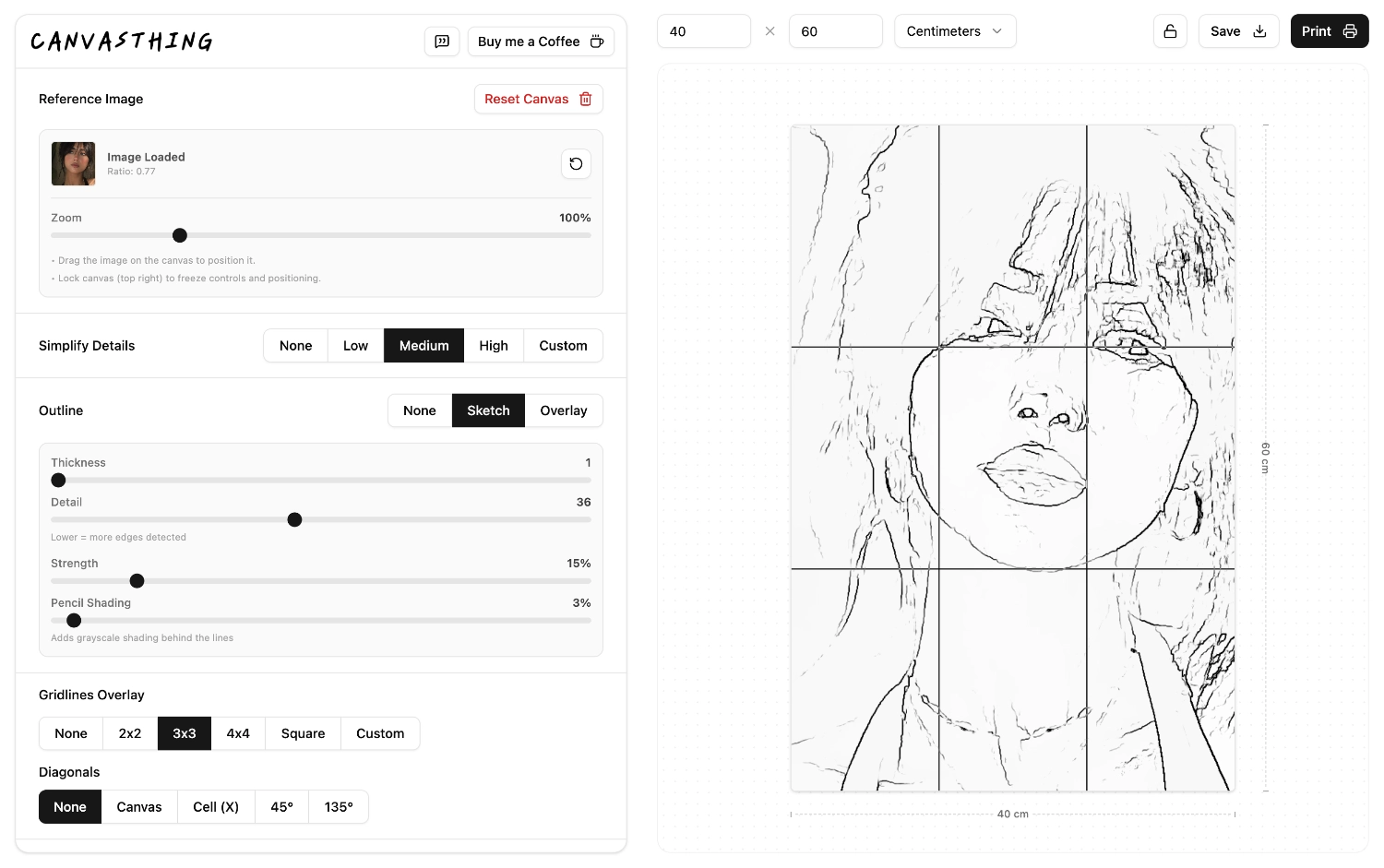
Convert a reference photo into a clean line drawing you can trace, print, or transfer to canvas. Adjust line thickness, detail, strength, and shading live until the outline is useful for your painting process. No accounts, no ads, completely free.
Clean Contours
Extract the important edges from your photo into a practical line drawing for canvas transfer.
Adjust the Detail
Control how much texture is kept, how bold the lines are, and how much shading remains behind them.
Grid It for Transfer
Place a drawing grid over the line drawing to keep every shape in proportion when you copy it by hand.
Made for Tracing and Painting, Not Just an Effect
A decorative sketch filter can look nice but still be awkward to paint from. Canvasthing's line drawing workflow is meant to leave you with useful contours, a printable guide, and an easy way to combine the outline with your canvas size and grid.
Sketch Mode
Create a clean line drawing on a light background for tracing or transfer.
Overlay Mode
Keep the original photo visible while drawing darker contours over the top.
Print Ready
Print the outline directly or save the prepared canvas as a PNG.
Frequently Asked Questions
- Useful for watercolor, acrylic, oil, pencil, and mixed media planning.
- Runs locally in your browser after the page loads.
Upload your reference photo, turn on Sketch mode, then adjust thickness, detail, strength, and shading until the main contours read clearly. You can save or print the result, or add a grid over it for transfer.